

Your PC is now a
karaoke studio.
Local AI.
Professional karaoke.
No subscriptions.
10 songs free ·
$49.99 unlocks unlimited songs & AI Lyrics Correction ·
Windows 10 / 11
How it works
Four steps from raw audio to finished karaoke video – runs locally on your machine.
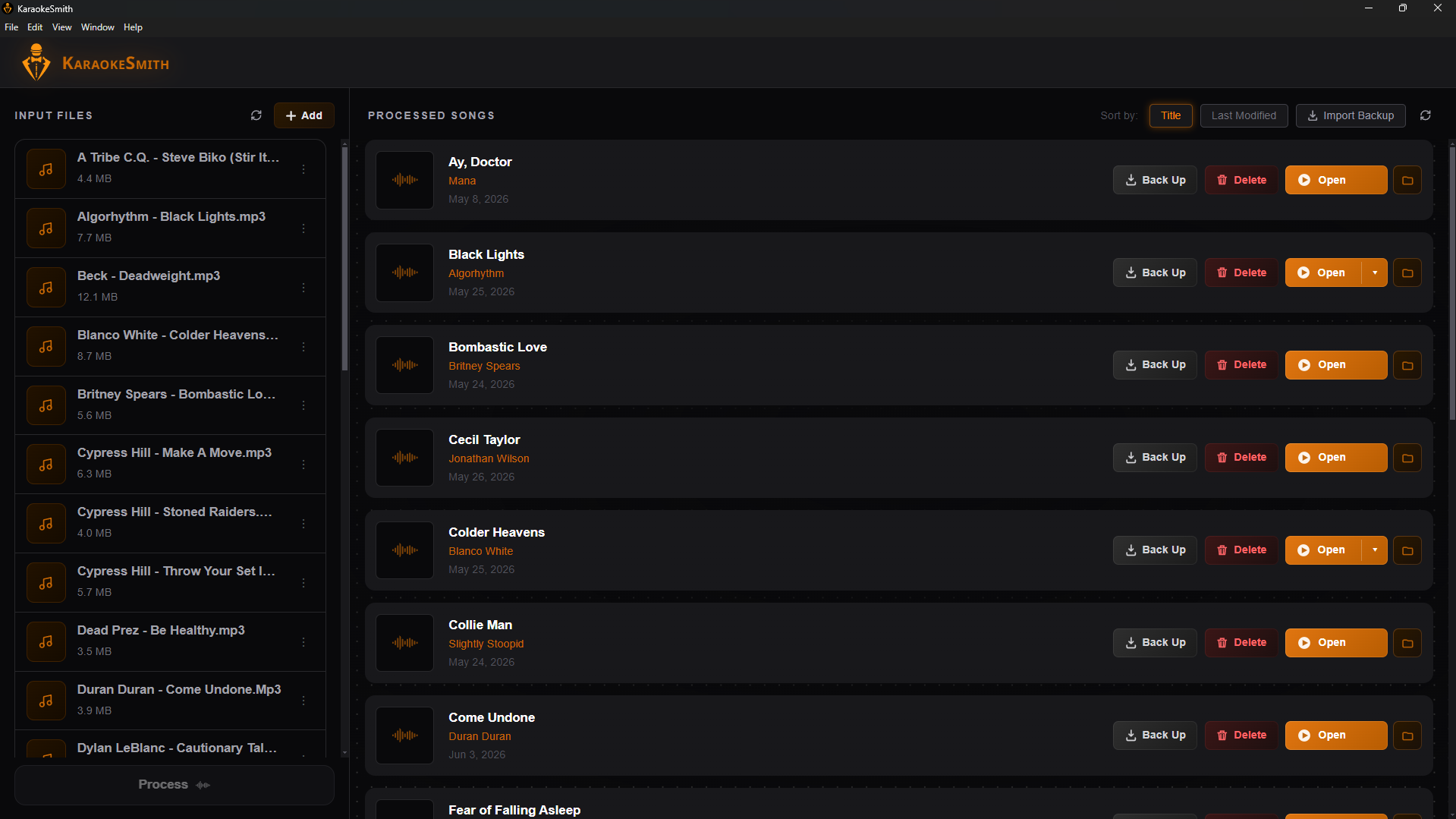
Drop your audio
Load any MP3, WAV, FLAC, or M4A. No format wrangling, no preprocessing.
AI separates & transcribes
BS-RoFormer isolates the vocals from the mix. Whisper transcribes every word with precise per-word timing.
Edit & refine

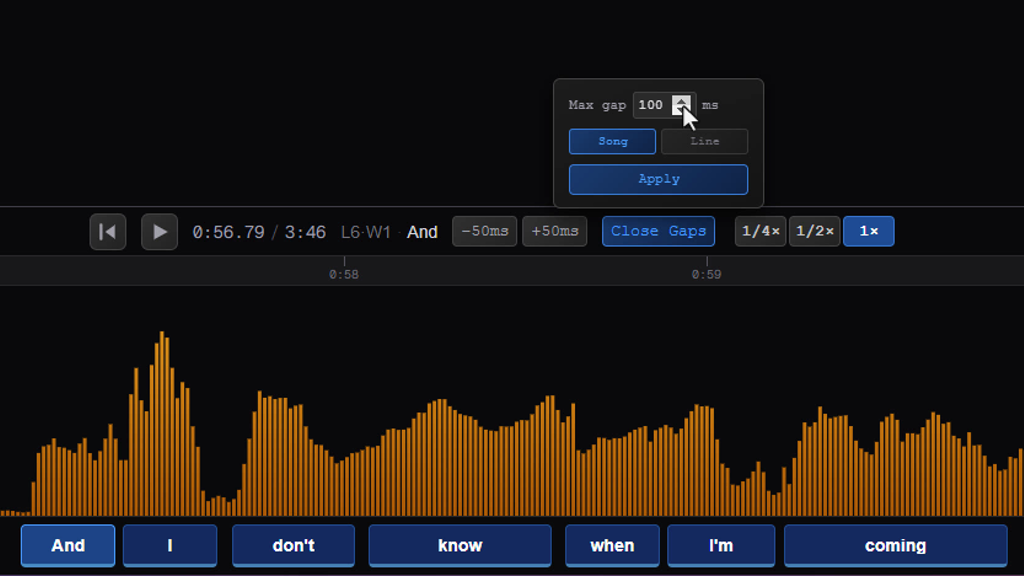
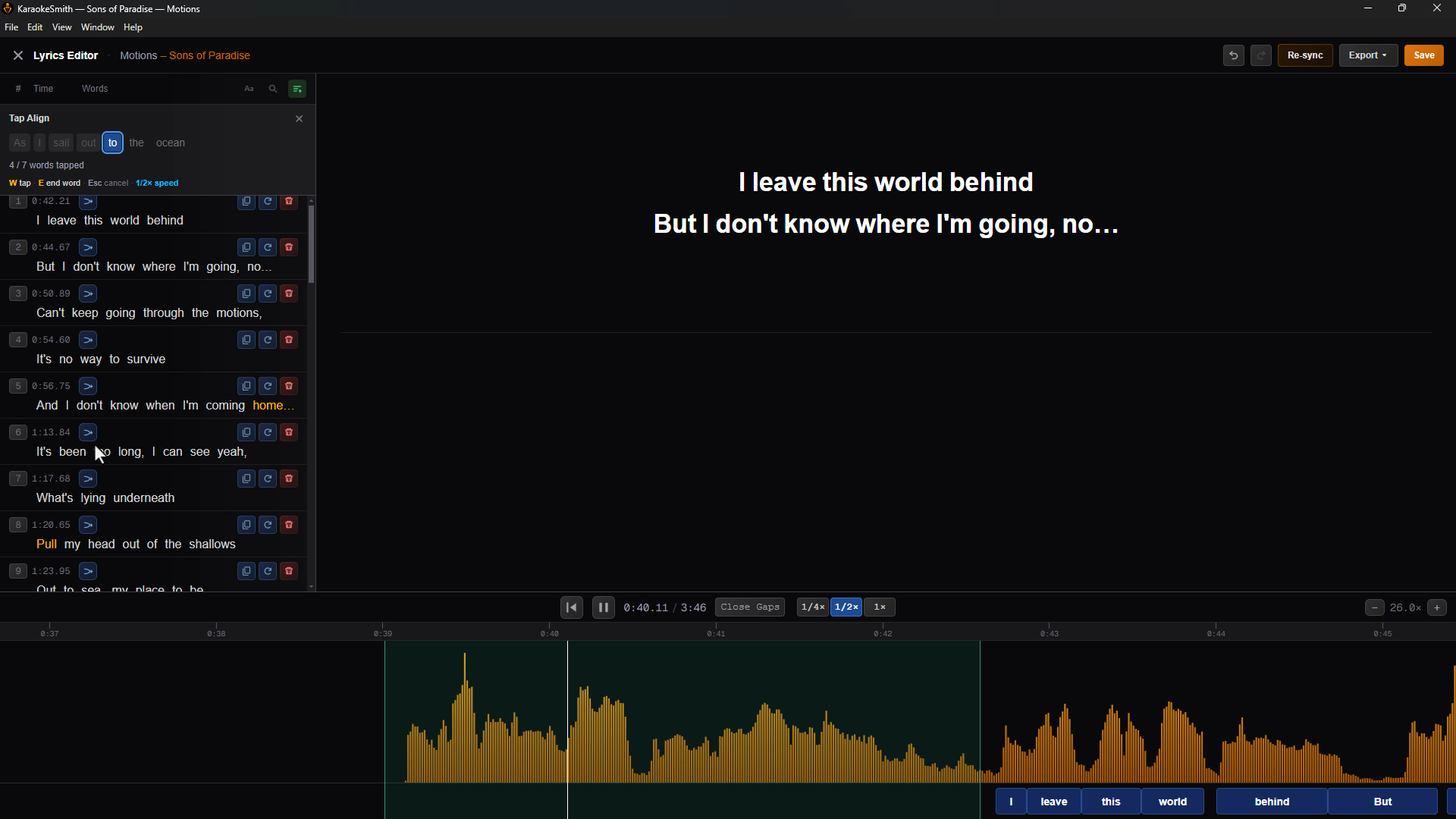
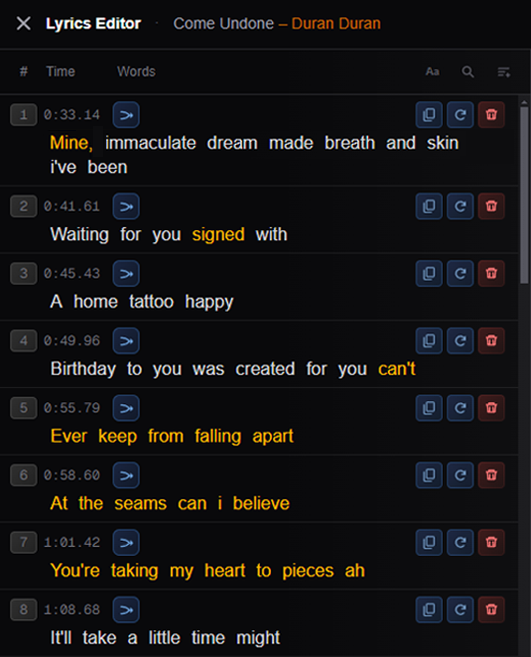
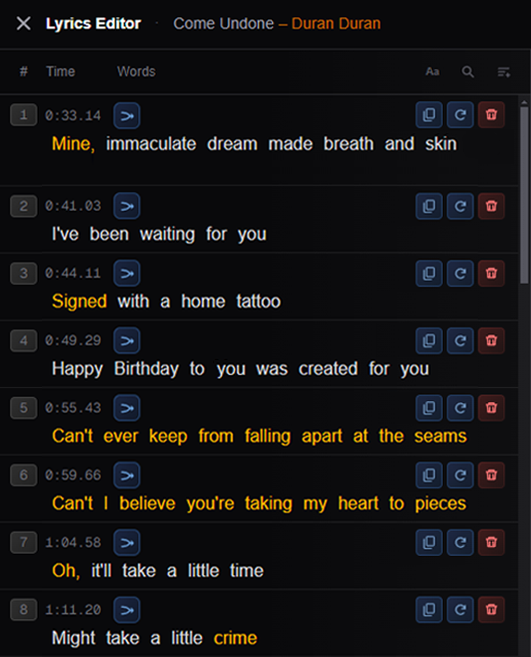
Fine-tune word timing, correct transcription errors, and insert any missing or spoken lyrics before export.
Export your video
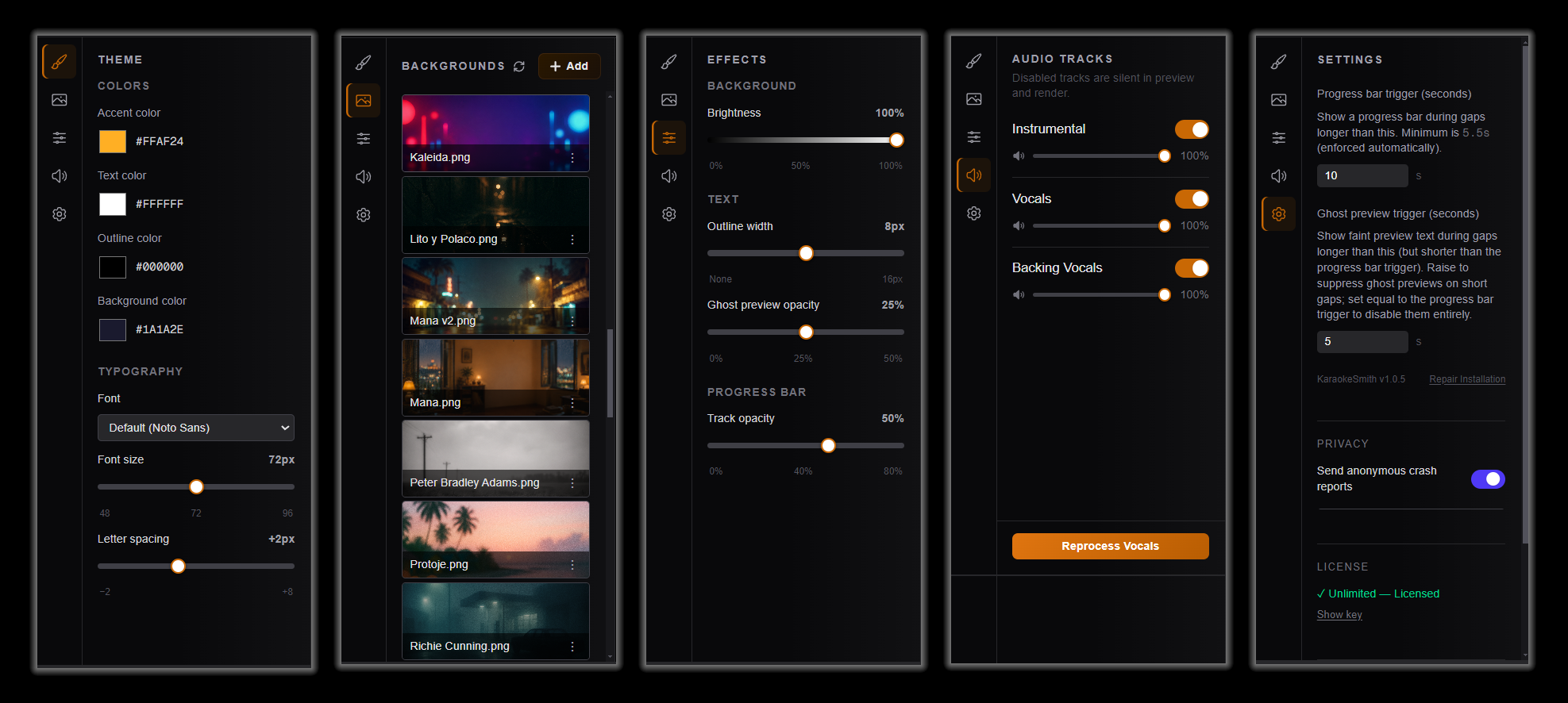
Render a full HD karaoke video with synchronized lyric wipes – ready to play, share, or host.
Everything a karaoke studio can do
The full pipeline – AI separation, transcription, editing, and video export – in a single Windows app.
Your audio stays on your PC
Vocal separation, transcription, editing, and export all run locally. Your audio never leaves your machine. The one exception: optional AI lyric correction sends transcribed text (not audio) to Anthropic's API.
State-of-the-art vocal separation
Powered by BS-RoFormer – the most accurate open-source vocal isolation model available. Clean stems, every time.
Timing tools other editors lack
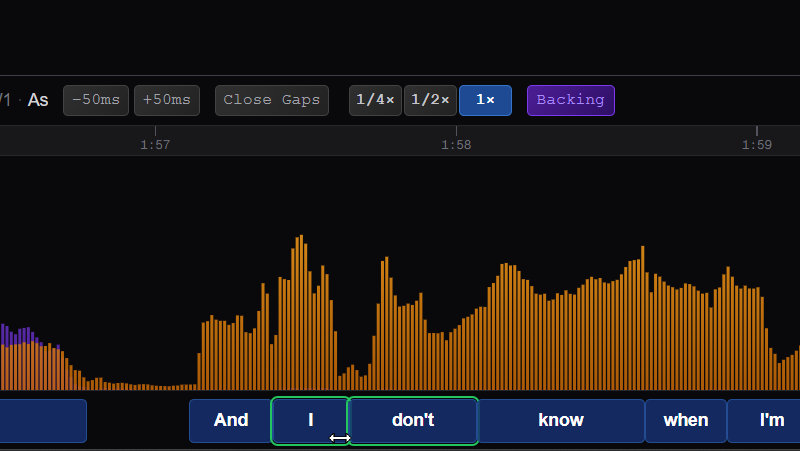
Drag-to-select words for batch edits, magnetic auto-resize of adjacent words, tap-to-align on playback, distribute-evenly across gaps, frame-level nudging, and per-word confidence indicators.
Lyric editing built for hard cases
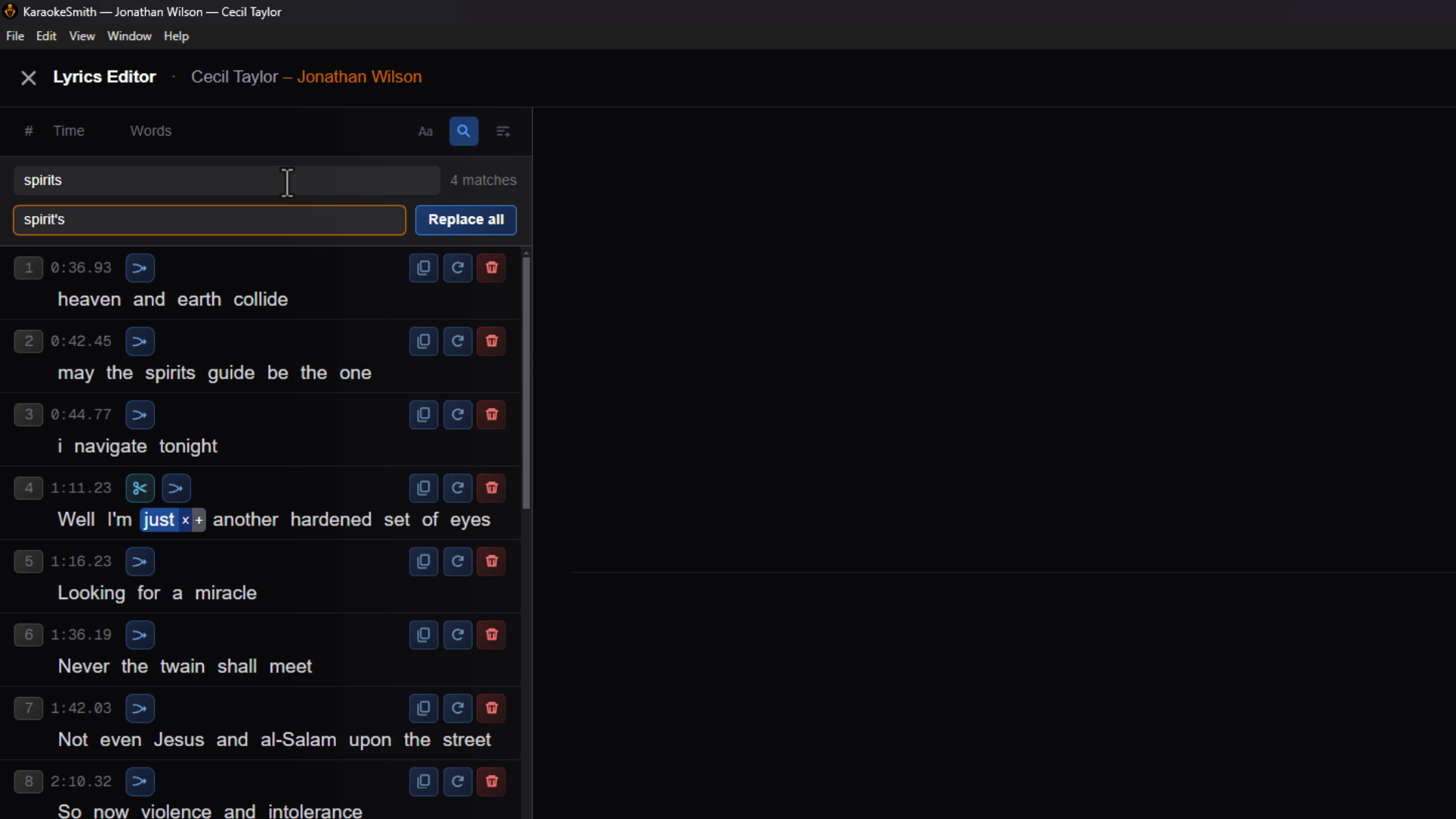
Ghost-preview copy-paste from anywhere in the song, insert missing phrases with auto-timing estimation, AI lyric correction, and full undo/redo across all edits. Exports line-level and word-level LRC for use in other karaoke apps and players.
GPU-accelerated processing
NVIDIA CUDA support for fast inference. Automatic CPU fallback ensures every Windows machine can produce results.
Whisper transcription
OpenAI Whisper handles transcription. Catches lyrics that manual entry and simpler tools consistently miss.
Full HD video export
Full HD (1920×1080) MP4 with animated wipe-style lyrics, an instrumental-only audio track, and frame-perfect sync. Compatible with TVs, tablets, and karaoke hardware.
One-time purchase
$49.99, purchased and activated directly in the app. No subscription, no renewal – pay once and produce unlimited karaoke videos.
Precision tools. Frictionless workflow.
Watch the full pipeline – from audio drop to finished video – running entirely on your PC.


Pay once. Produce forever.
Cloud karaoke tools charge monthly or per export. KaraokeSmith's AI runs on your PC – one purchase, unlimited songs, no meter running.
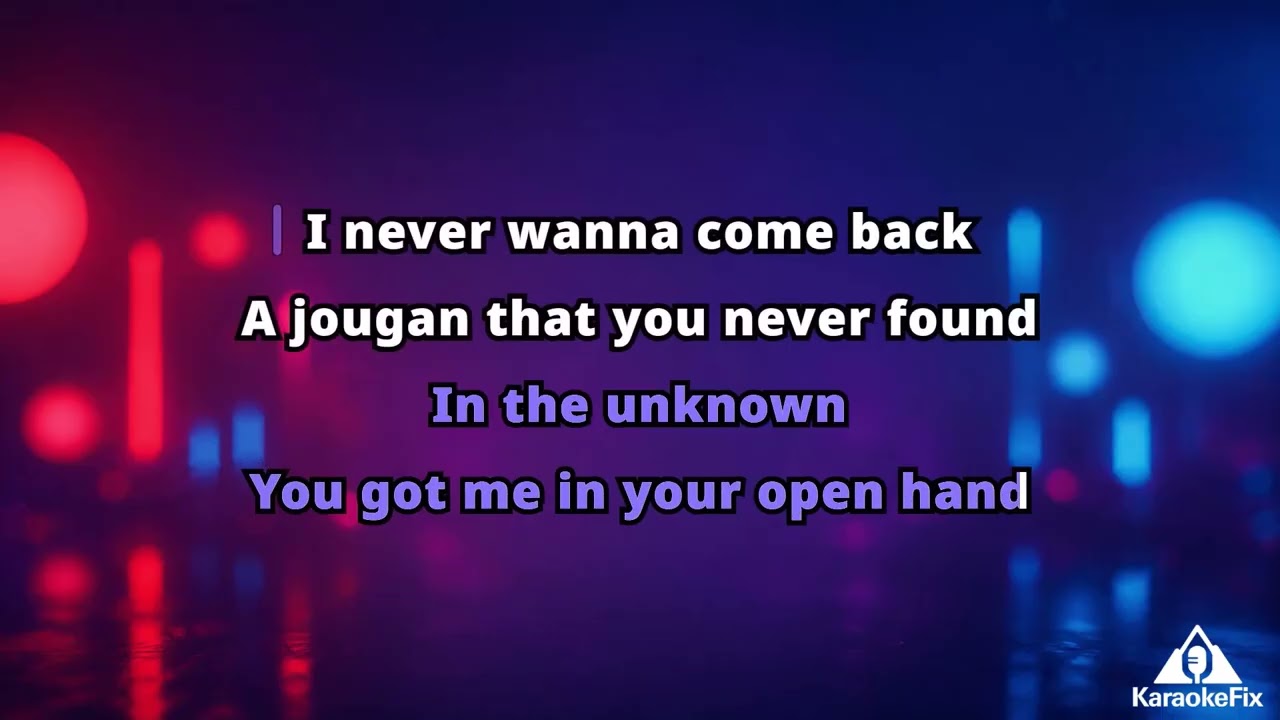
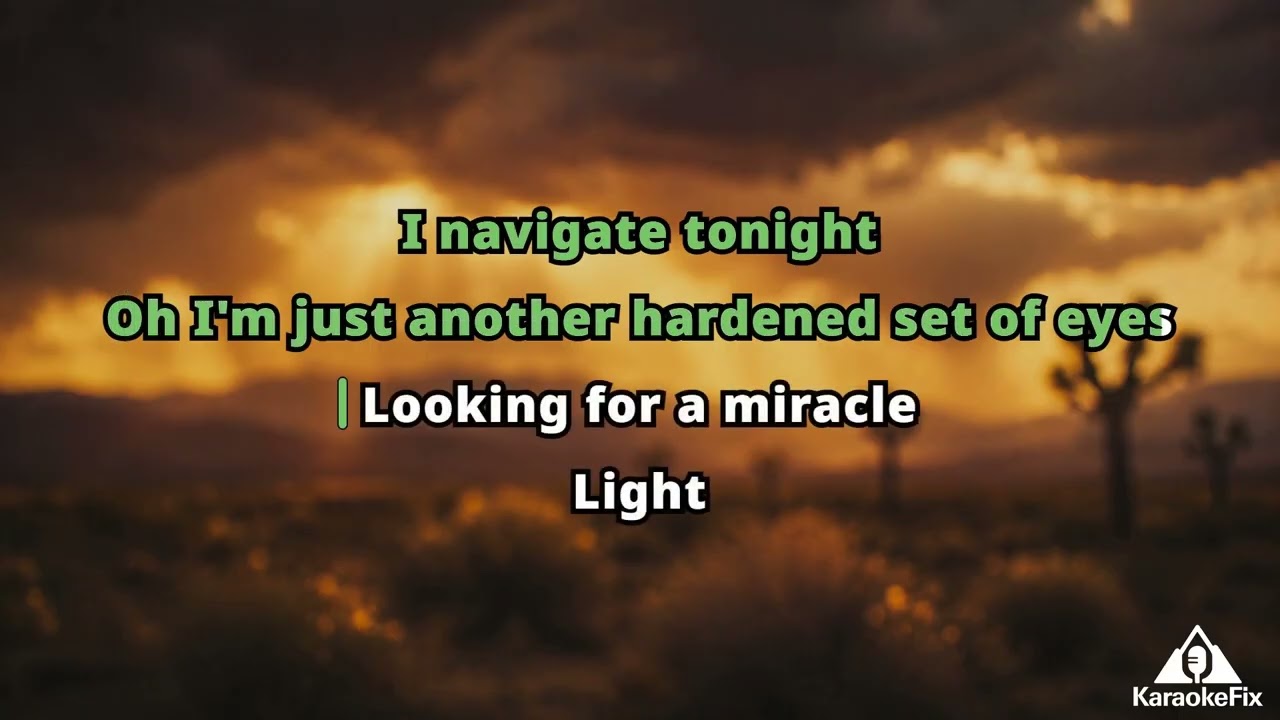
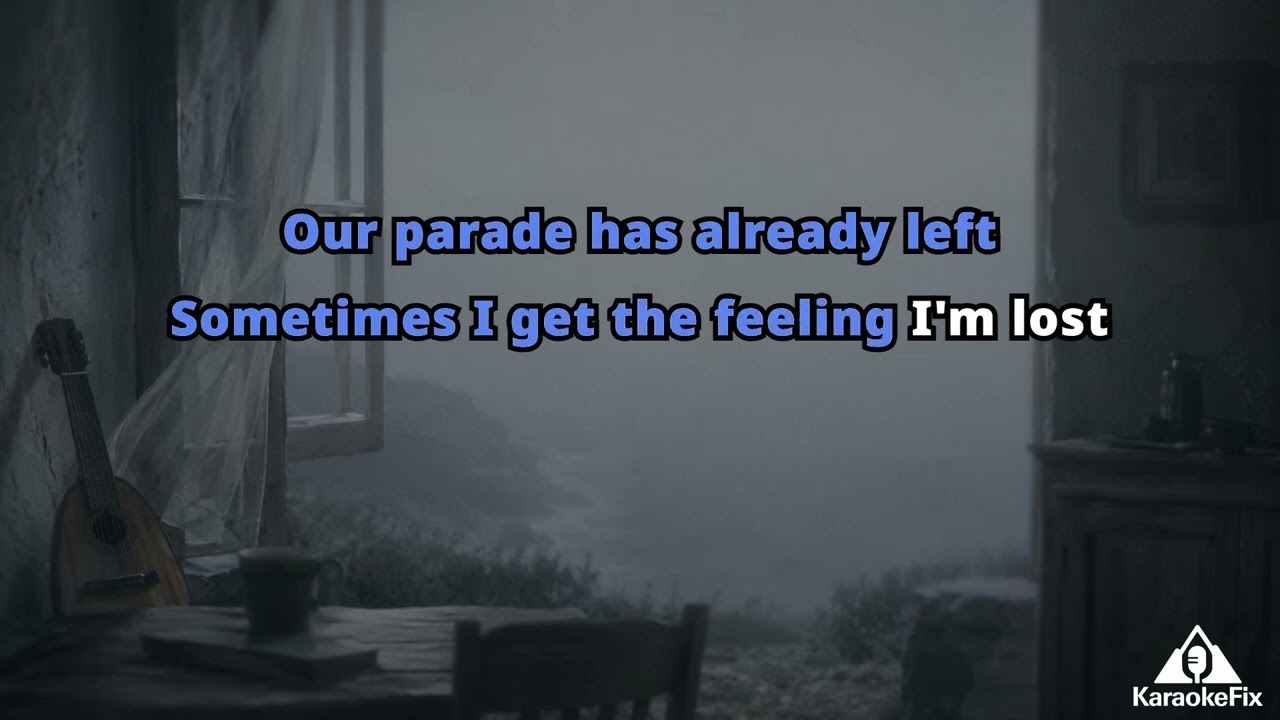
See what it produces
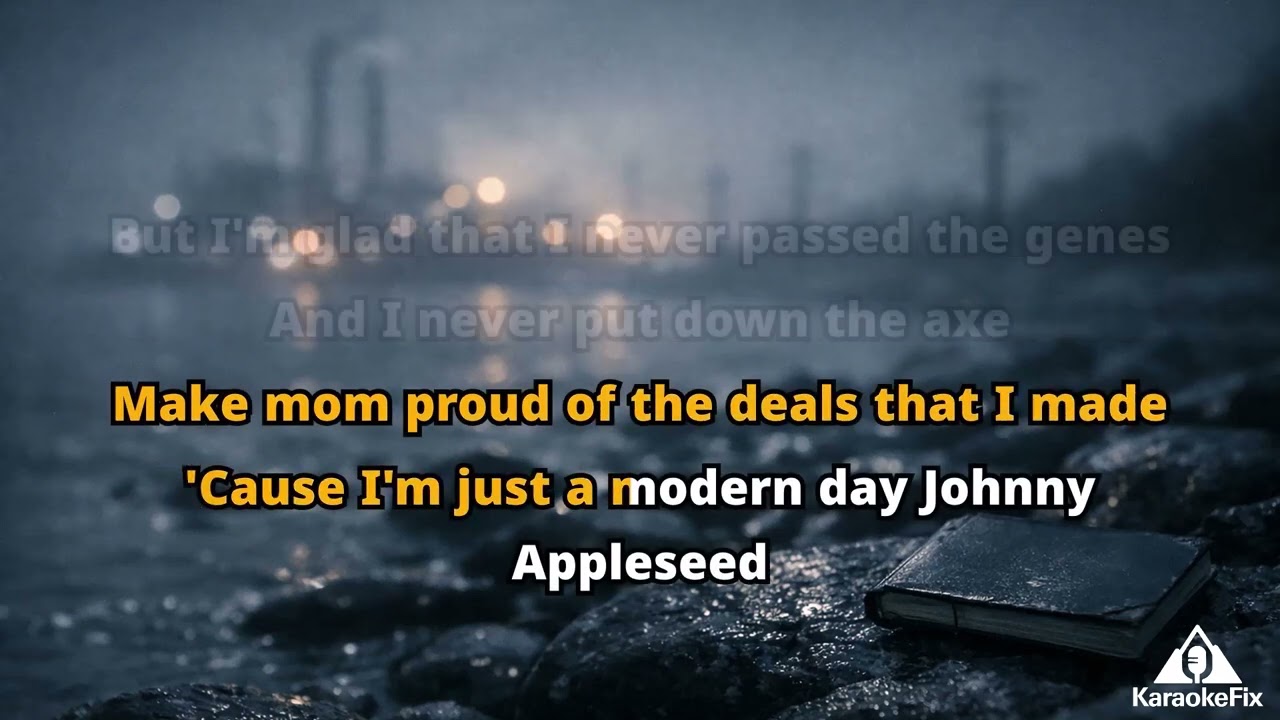
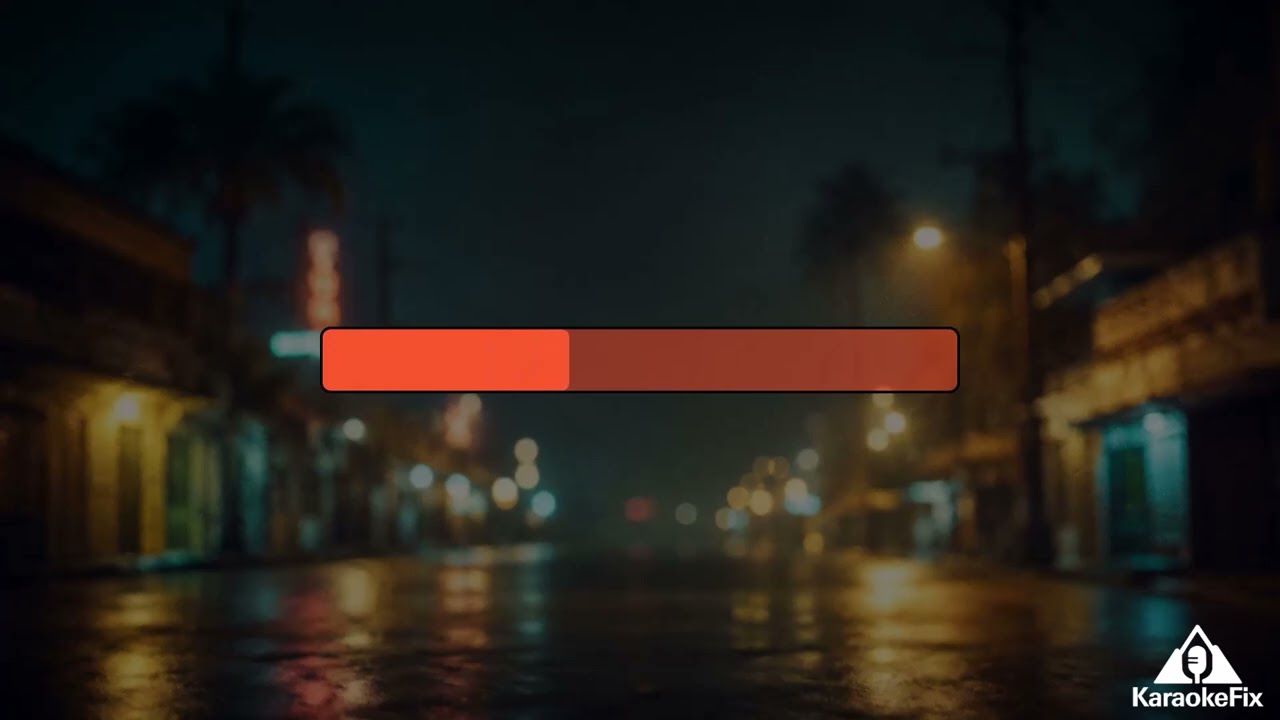
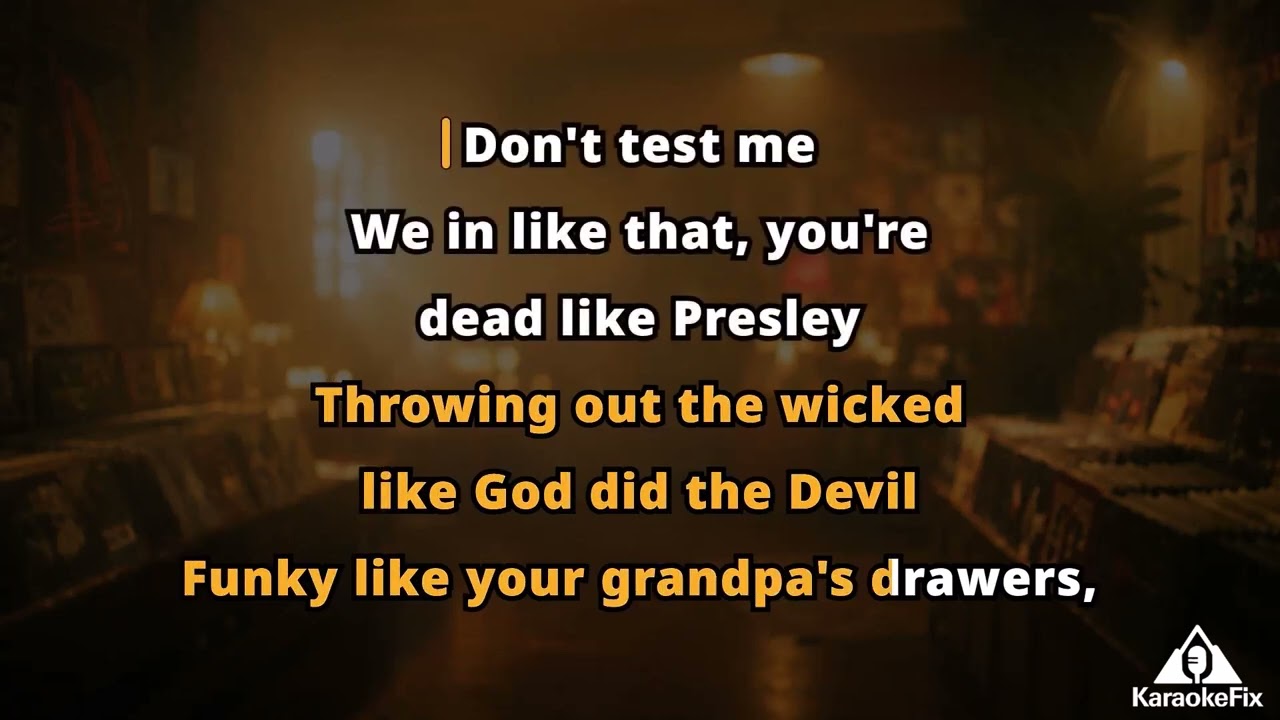
Real karaoke videos produced with KaraokeSmith.
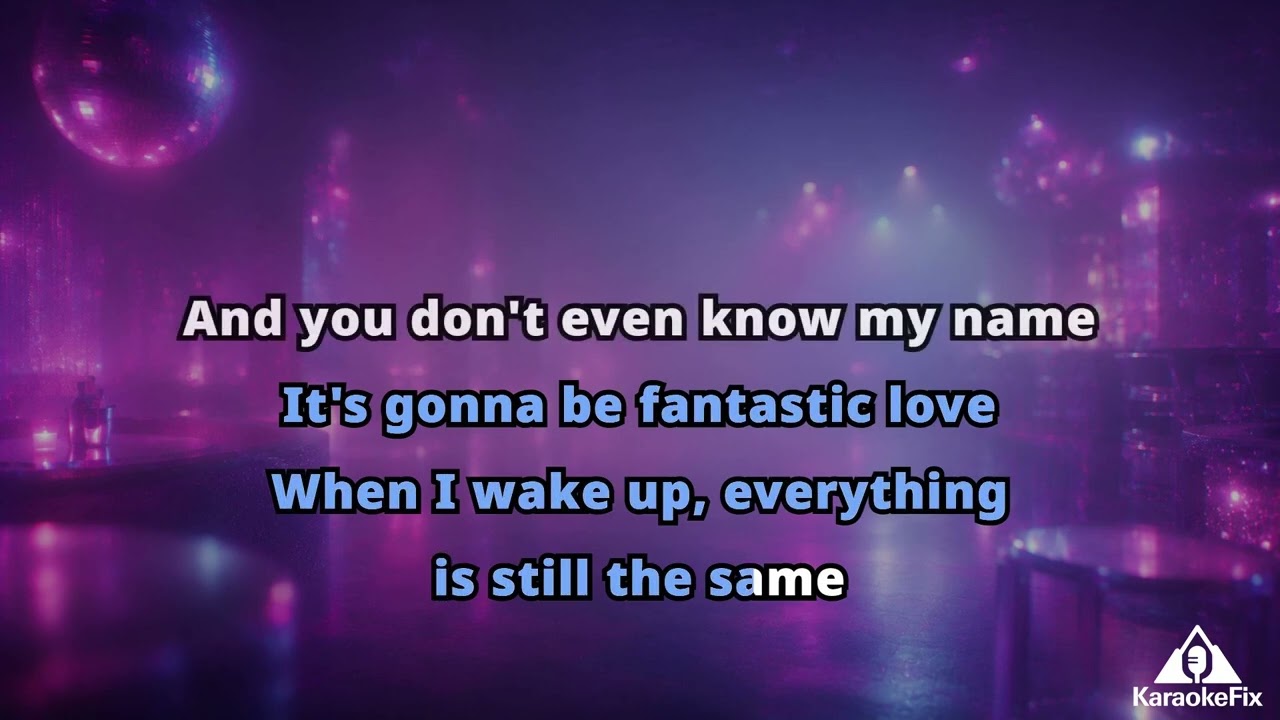
Your PC. Your music.
Your karaoke studio.
Direct download for Windows. Try free for 10 songs – no purchase required to start.
Try the full pipeline.
Process up to 10 songs at no cost.
- ✓ Full AI pipeline
- ✓ Lyric editor
- ✗ AI lyric correction
- ✗ Unlimited songs
No credit card required.
Download Free
One-time purchase.
Everything, no limits.
- ✓ Full AI pipeline
- ✓ Lyric editor
- ✓ AI lyric correction
- ✓ Unlimited songs
One-time payment. Instant license delivery by email.
System Requirements
- – Windows 10 or 11 (64-bit)
- – NVIDIA GPU recommended – CPU fallback included
- – 8 GB RAM minimum, 16 GB recommended
- – ~5 GB disk space for AI models